IT Asset Monitoring Software
Stay up to date and monitor all changes in software, hardware, licenses, and even end-users workstation remotely.

Control Your IT Infrastructure
Keep track of all changes in software, hardware, licenses, and device allocation. Define automation on data such as warranty or license expirations, or asset purchases, and be notified by e-mail or API.
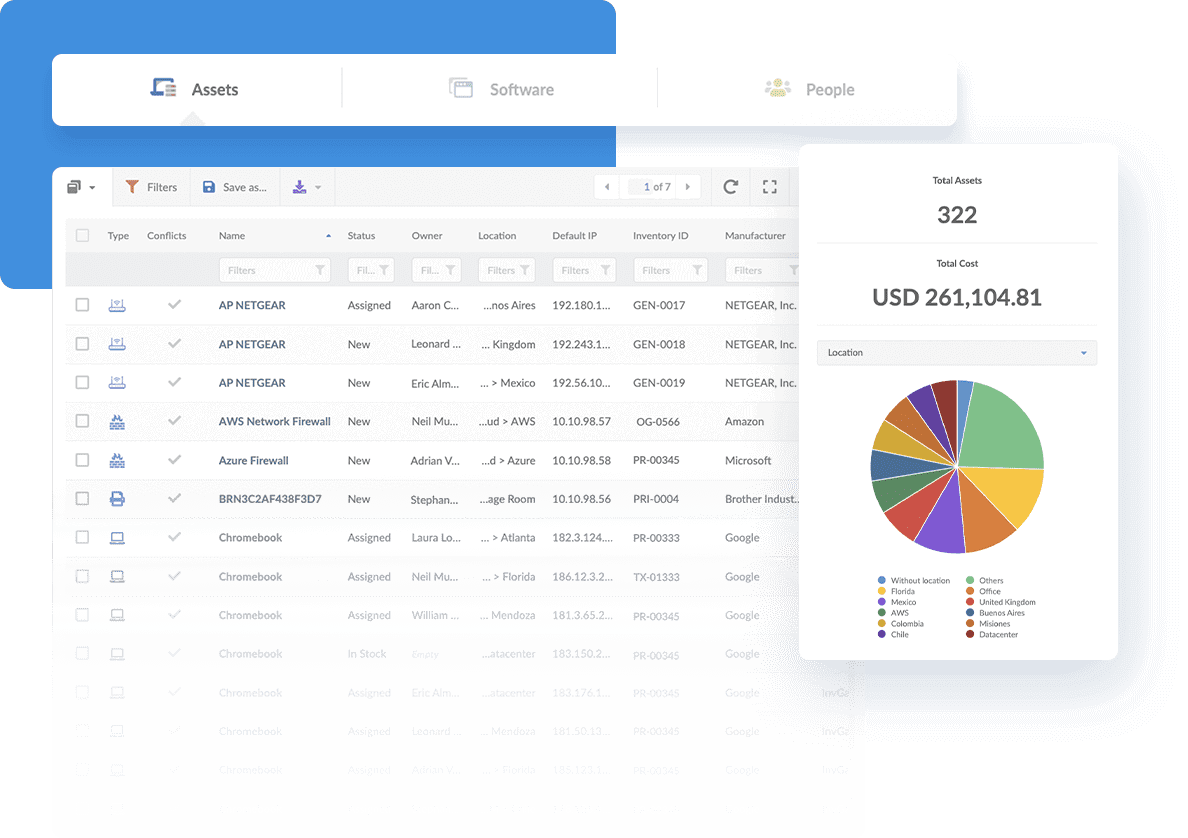
With InvGate Insight, monitor the health of your devices based on any criteria such as antivirus, software updates, and warranty expiration.
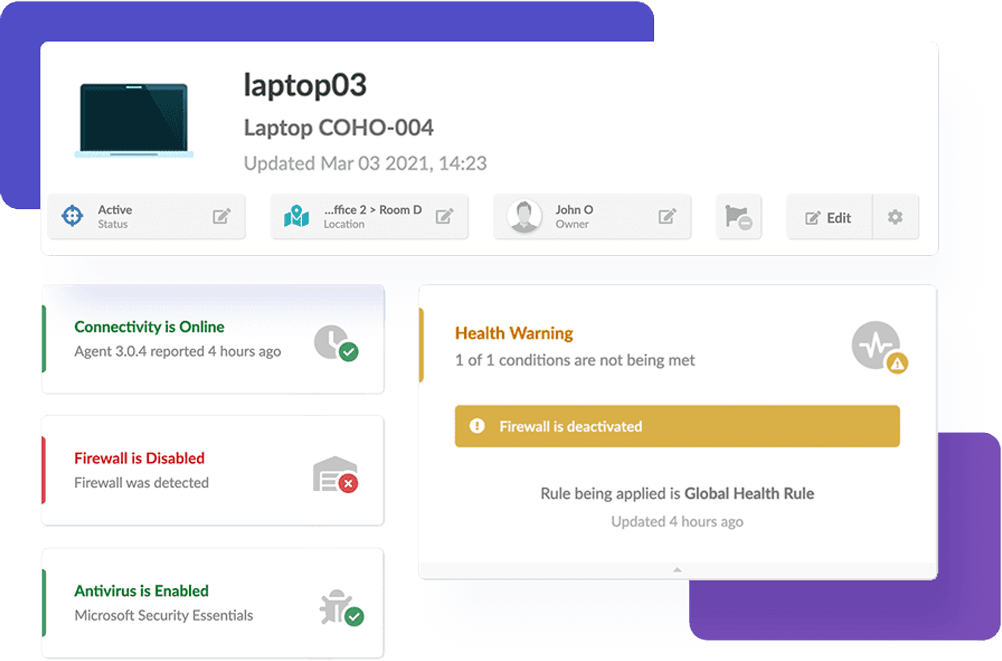
Alert, report, and track which applications and software are installed in your environment to take proactive measures to protect your assets and information.
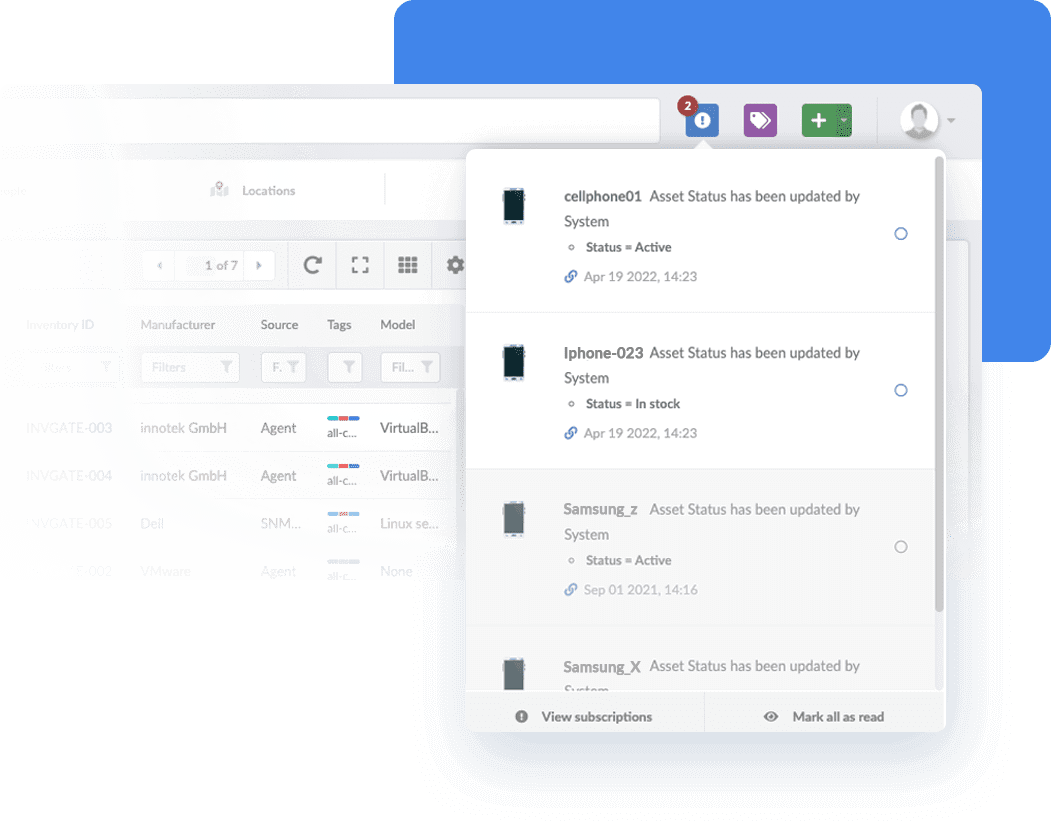
Leverage complete visibility and gain unprecedented insights into your environment. Organize your IT data by building customized reports to get an overview of the health of your assets.
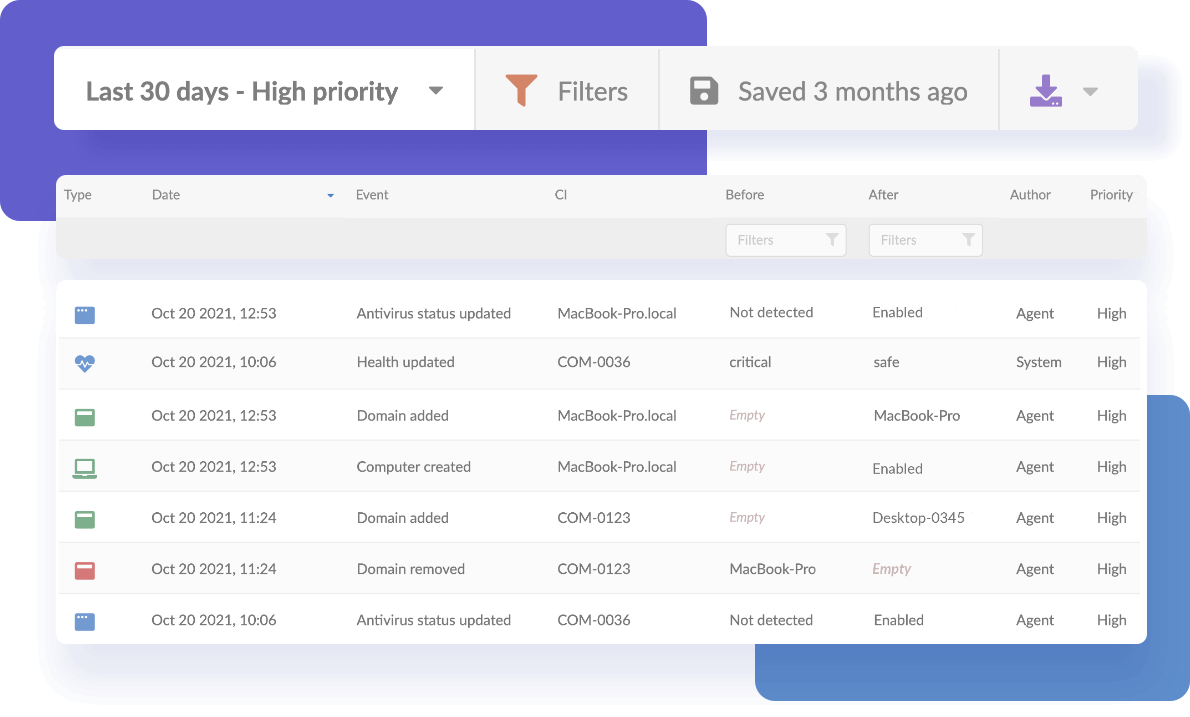
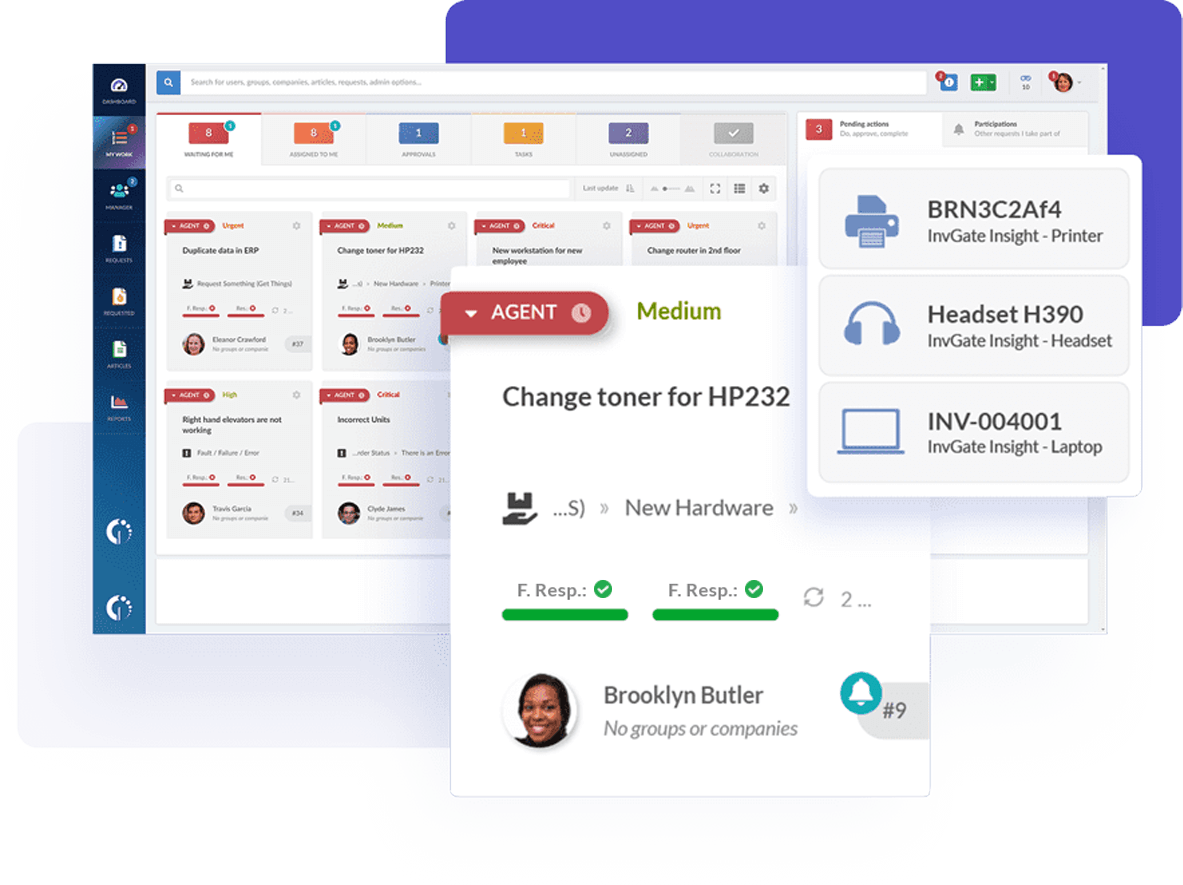
Integrate your IT asset monitoring software to your service desk and define rules to trigger the creation of tickets for events such as change of asset health status, expiration of software licenses, or change in status of antivirus or firewall.
Benefits of Network Discovery and Inventory
A thorough understanding of your IT estate enables you to make informed IT decisions, reduce unnecessary purchases, maximize the use of your budget, and effectively manage your investments while still delivering the IT services your business wants and needs.

Better cost management and decision making

Improved IT Support Capabilities and Operations

Better Risk Management

Improved Governance and Compliance
InvGate Insight Network Discovery and Inventory provide you with greater insight into how many IT assets are being employed, how they are being employed, and how to employ them better. Save money by redeploying underutilized assets to prevent the need for new expenditure.
Provide the service desk and other IT operations people with asset-related information when they need it. Support ITIL best practice processes such as incident, problem, change, demand, and capacity management through data that will speed up decisions and improve the quality of outcomes.
Support your entire IT asset lifecycle, from asset procurement through to decommissioning/disposal. Use the asset data and inventory repository features to support key internal controls at various stages of the asset lifecycle. Ensure that business operations and reputation, and employee and customer health and data, are not put at risk.
Help your organization ensure that corporate and industry governance requirements relate. Increase the efficiency of your organization and lower the overall cost of compliance.


Simplify your IT ecosystem with InvGate Insight
30-day free trial - No credit card needed